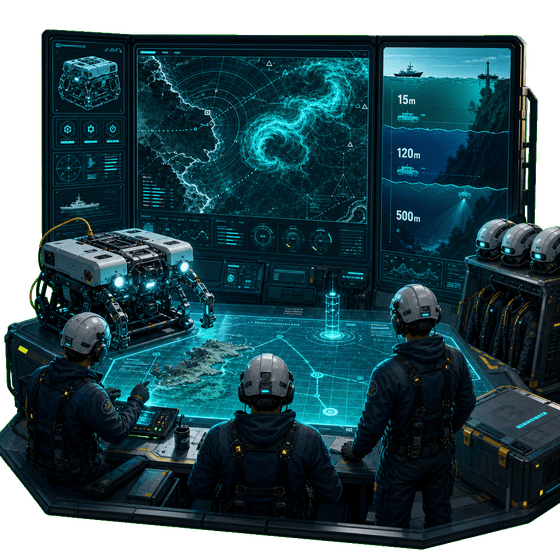
Plan Every Expedition
Survey sites, assign specialists, deploy ROVs, and balance weather risks before your crew leaves port.

Industrial Subsea Simulator
Lead a professional underwater engineering company — not a dive tour, but industrial contracts that keep global infrastructure running. Survey sites, deploy ROVs, and win multi-million deals.
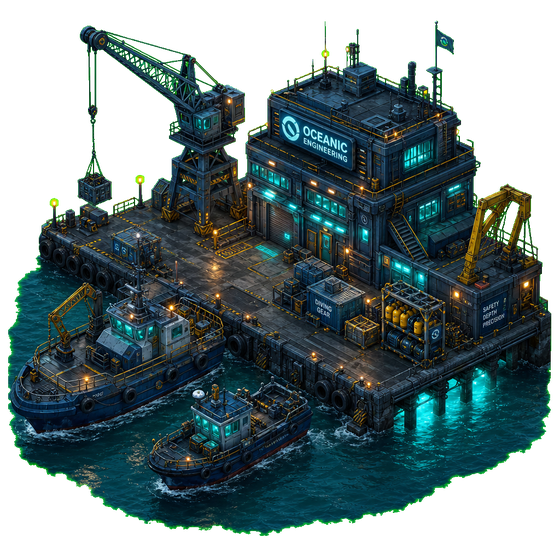
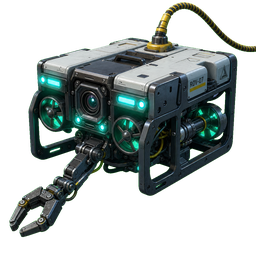
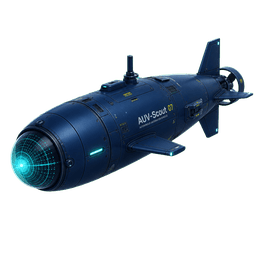
Why operators choose Plin
Plan expeditions, balance risk, and grow reputation across energy, telecom, and infrastructure sectors.
Survey sites, assign specialists, deploy ROVs, and balance weather risks before your crew leaves port.
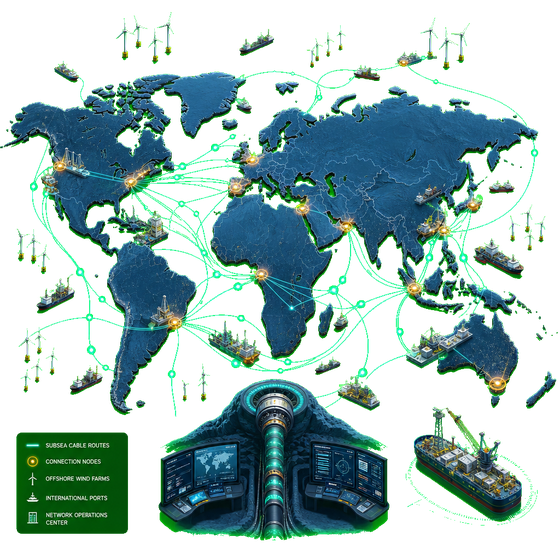
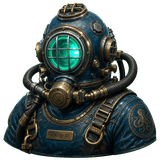
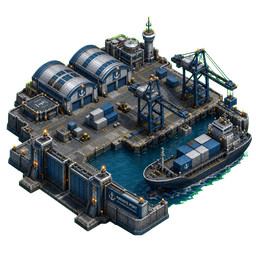
Upgrade facilities, research new tech, and win multi-million contracts from energy and telecom giants.
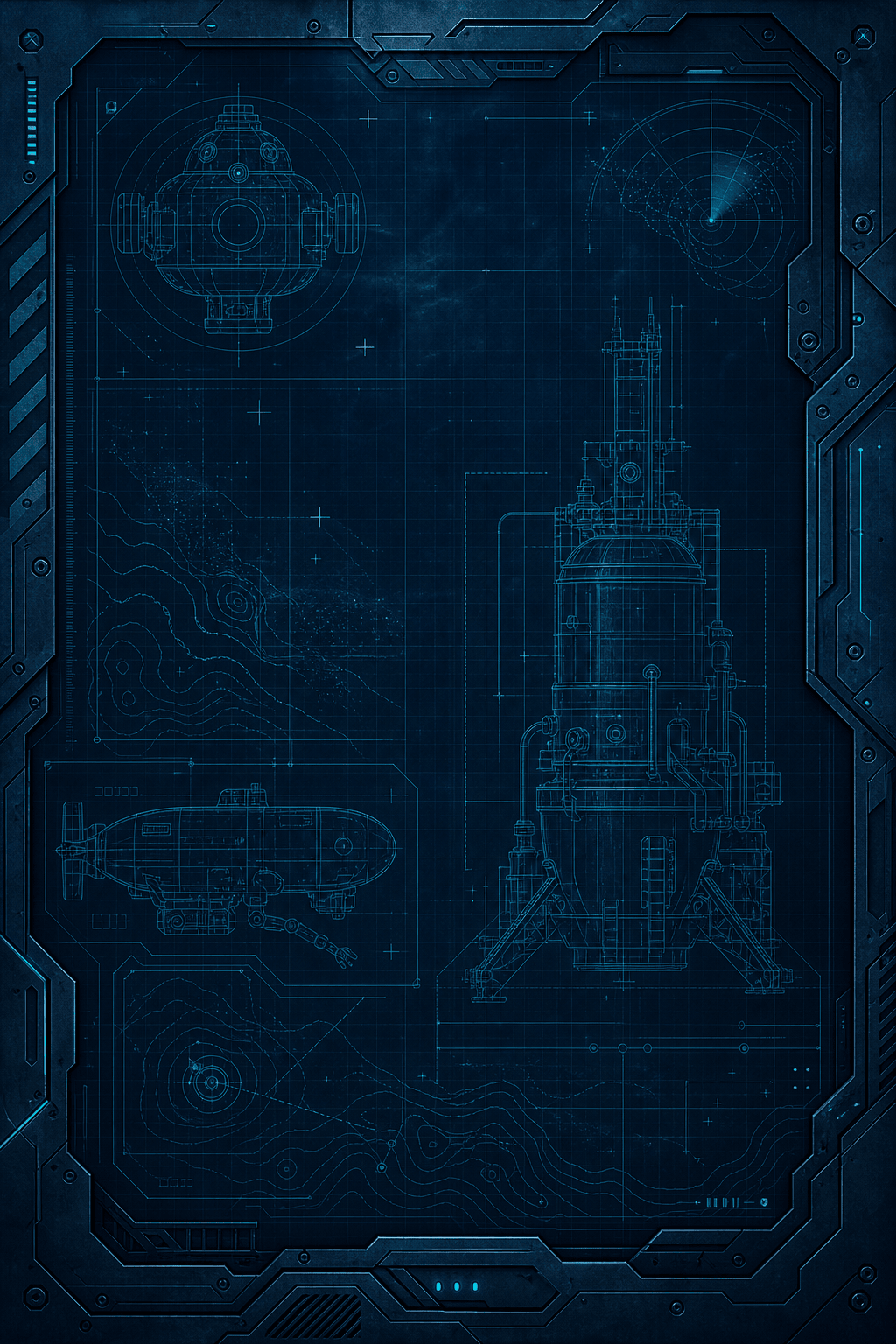
From submarine cables to offshore wind — each job follows a real workflow with reputation on the line.
Your operation deck
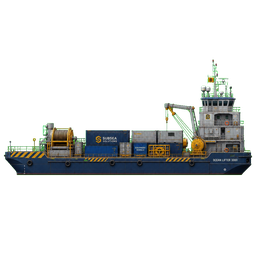
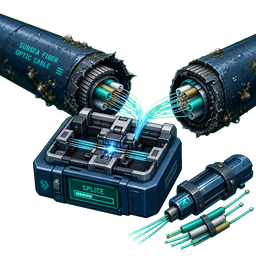 Submarine Cable
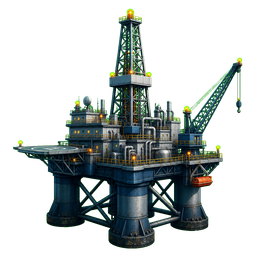 Oil Platform
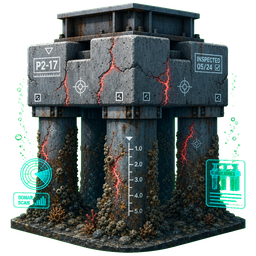 Bridge Survey
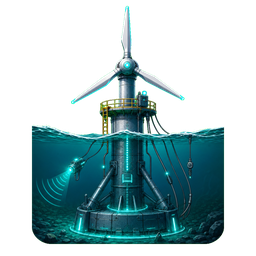 Offshore Wind
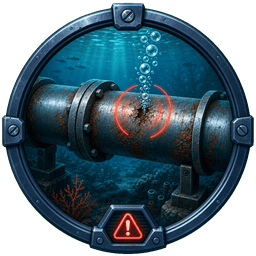 Pipeline
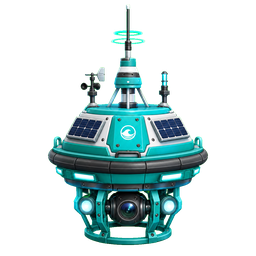 Science Station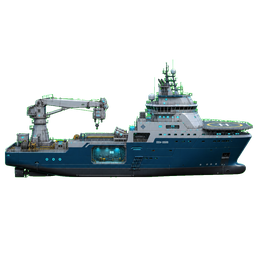



Download MyPlin Dive Works on the App Store and start building your subsea empire today.
Legal
Last updated: July 13, 2026
MyPlin Dive Works (“we”, “our”, or “the App”) is a single-player subsea engineering simulation game. We respect your privacy and are committed to protecting it. This policy explains what information the App handles and how.
Game progress stored on your device. Your company name, balance, contracts, crew assignments, fleet upgrades, and other gameplay data are saved locally on your iPhone or iPad using on-device storage. This data never leaves your device unless you back up your device through Apple iCloud or another backup service.
Photos and camera (optional). If you attach site survey photos to contracts, the App may request access to your camera or photo library. Images you select are stored locally as part of your game save. We do not upload, transmit, or share your photos with any server.
The App does not integrate third-party analytics, advertising networks, or social login providers. Standard Apple system services (App Store distribution, device backups) operate under Apple’s Privacy Policy.
MyPlin Dive Works is suitable for general audiences. We do not knowingly collect personal information from children under 13. If you believe a child has provided personal data through the App, contact us and we will assist with deletion of locally stored content on your device.
All game data remains on your device until you delete the App or reset progress from within the App settings. Uninstalling the App removes all locally stored game data from your device.
We may update this Privacy Policy from time to time. The “Last updated” date at the top of this page will reflect any changes. Continued use of the App after updates constitutes acceptance of the revised policy.
Questions about privacy? Email us at privacy@myplindiveworks.com.
Help desk
Need assistance with MyPlin Dive Works? We’re here to help.
For bug reports, gameplay questions, or account-free assistance:
support@myplindiveworks.comWe typically respond within 1–2 business days.
Progress saves automatically on your device. Keep the App installed and avoid clearing its data. Use iCloud device backup for an extra safety net.
Camera and photo library access is optional — used only when you attach site survey images to contracts. You can decline permission and still play the full game.
Success depends on crew skills, equipment readiness, weather risk, and proper site survey. Review the expedition prep checklist before deploying.
Delete and reinstall the App to start fresh, or use the reset option in App settings if available in your version.
No. MyPlin Dive Works runs entirely offline after installation.